I put an AirTag on my dog's collar after she bolted. Now I can actually see where she goes
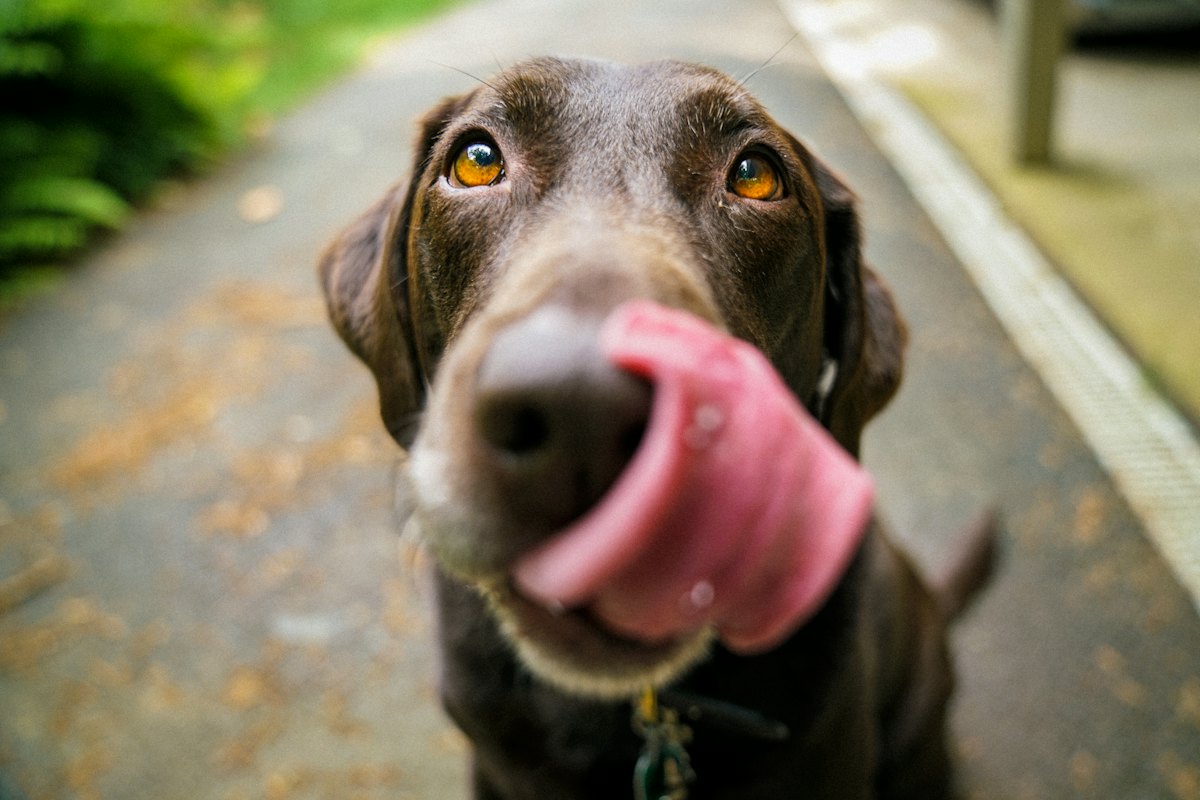
Not Luna, but close enough. She won't sit still for photos.
Luna is a two-year-old pointer mix who is, let's be honest, smarter than me and faster than everyone she's ever met. The first time she got out, I lost about a year off my life.
It was a storm night back in March. Somebody left the side gate unlatched (I'm not naming names, but it was me) and she was just gone. So I did what everyone does. I opened Find My, because she's had an AirTag on her collar since she was a puppy. And there she was: a little grey dot down by the Springwater trail. Great. I grabbed my keys and drove over. By the time I got there the dot had jumped half a mile and I had no clue which way she'd been heading.
That's the thing nobody warns you about. The AirTag was working perfectly. Apple just doesn't keep the trail. Find My shows you one spot, the last place the network happened to see your tag, and it quietly throws away the one before it. For a set of keys, fine. For a dog who covers ground like Luna, it's useless at the exact moment you need it.
What I tried before this
I went down the whole rabbit hole. First I bought one of those subscription GPS collars, the kind with its own SIM card. Worked okay until it didn't. The battery died in two days if I forgot to charge it, and Luna clearly hated the weight of the thing. Then, and I'm a little ashamed of this, I spent an afternoon screenshotting Find My every few minutes while she was out in the yard, trying to build my own little flipbook of dots. That lasted exactly one afternoon.
What I actually wanted was boring. Just show me where the AirTag has already been. The route. Not a live dot I have to sit and babysit on my phone.
How I use LogMyTag now
I connected the Apple account the AirTag lives on, and honestly that was most of it. Now every ping gets saved. When Luna does her normal loop around the block I can scroll back through the whole afternoon. Here's where she sniffed the same mailbox for ten solid minutes. Here's the shortcut through the Hendersons' yard that I had no idea she was taking.
The night she got out again (yes, again, different gate, don't ask) was a completely different night. Instead of one dot I had a line. I could see she'd gone north along the creek and then doubled back toward the dog park, so that's where I drove. That's exactly where she was: soaking wet, and extremely pleased with herself.
I don't need a live tracker buzzing at me all day. What I needed was the five hours I'd already missed, and this just kept them.
I also set a little alert for when she leaves the home zone, which, plot twist, mostly just tells me my husband took her out without mentioning it. Still worth it.
Would I rather she just stopped escaping altogether? Obviously. But until pointers evolve a conscience, I'll take the map. If you've got an AirTag on a dog who treats fences as a gentle suggestion, this is the thing I wish I'd had on that first night.
– Marta
See your AirTag's full route, not just the last dot
Connect your Apple account once and LogMyTag keeps the whole trail for you.
Start loggingGot your own AirTag story? We'd love to publish it. Email us at info@aintdev.online.